Rated 4.7 stars by 241,000+ users on the App Store
“Scanner Hero has been My Hero multiple times. It's very convenient, and it's a blessing to have such an app.”
— HOPING TO SUCCEED!!!
“Great resource that is simple to use in a flash at any location. Thank you for the product!!!”
— Montana Hiker
“The app is user friendly and very handy. It's great”
— Numz65
Everything you need to actually stick with it
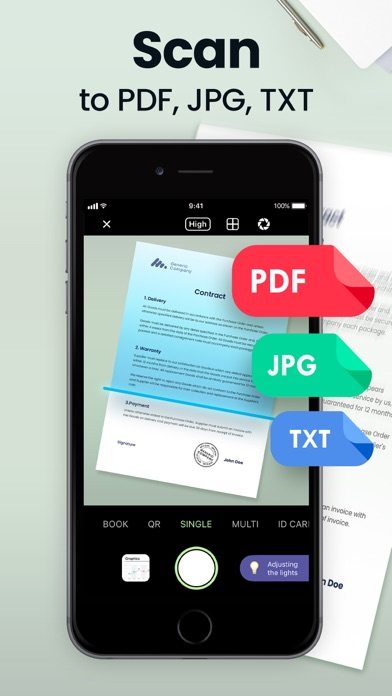
Scan to PDF, JPG, or TXT Instantly
Point your camera at any document and Scan Hero captures a clean, cropped scan in seconds. Choose your output format — PDF, JPG, or TXT — and adjust scan quality from low to high to balance file size and clarity.
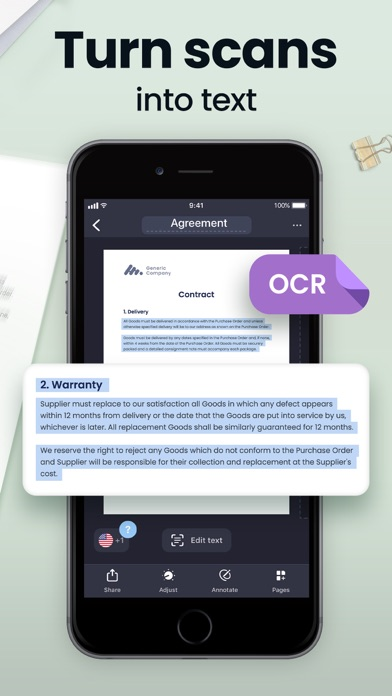
Extract Text with Built-In OCR
Turn any scanned page into editable, searchable text. Scan Hero's OCR engine recognizes content in 15 languages including English, Spanish, French, German, and Japanese — no separate app or manual retyping needed.
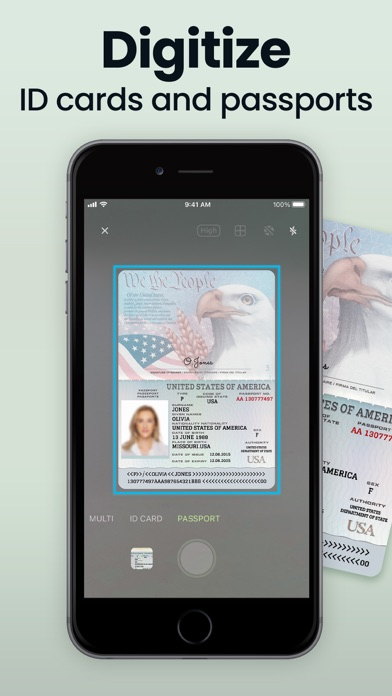
Digitize Passports and ID Cards
Dedicated Passport and ID Card camera modes frame and capture identity documents with precision. The guided crop border ensures every scan is straight, complete, and ready to share or archive securely.
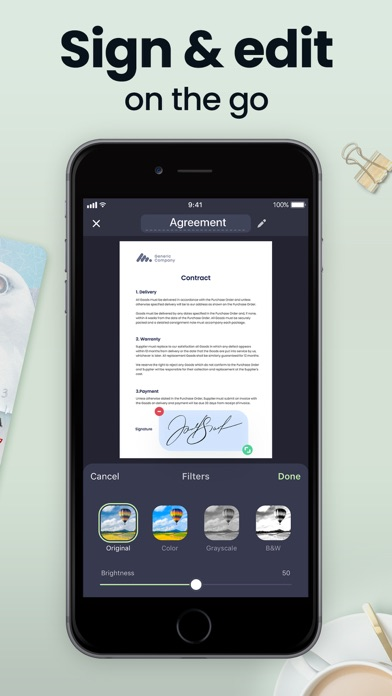
Sign Documents Right on Your Screen
Create and save one or more signatures, then place them directly onto any scanned document. Apply filters, adjust brightness, and fine-tune contrast all in the same editing view — no desktop required.
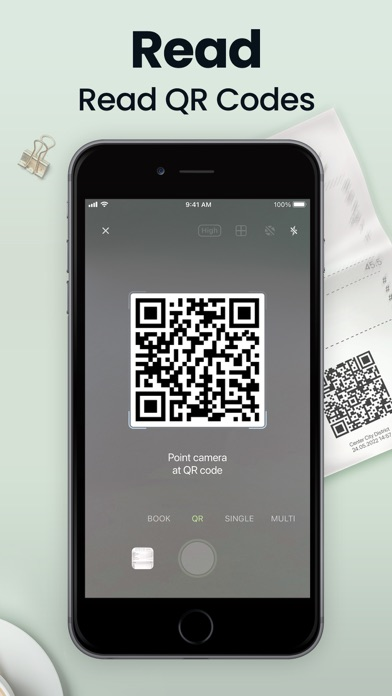
Read QR Codes with the Same App
Switch to QR Mode and point your camera to decode any QR code on the spot. No switching between apps — scanning documents and reading QR codes are handled in one place with the same familiar interface.
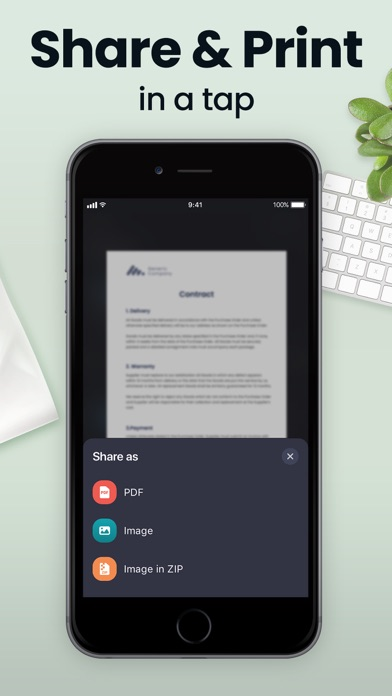
Share as PDF, Image, or ZIP in One Tap
When you're ready to send, choose exactly how your document goes out — as a PDF, a flat image, or a ZIP of images. Share via Mail, iMessage, or any app on your device without leaving Scan Hero.
Built for real users
This is for you if…
01·For
Small business owners and freelancers
Stop hunting for a printer or visiting a copy shop just to send a signed contract. Scan Hero lets you scan, sign, and email agreements from wherever you're working — the office, a client site, or your kitchen table.
02·For
Remote workers and home office users
Paperwork doesn't pause because you're not at HQ. Scan expense receipts, HR forms, or onboarding documents on your phone and share clean PDFs with your team in seconds, all without bulky scanning hardware.
03·For
Students and academics
Digitize handwritten notes, textbook pages, and assignment sheets with Book Mode's two-page spread capture. OCR makes your scans searchable, so finding that one formula or quote takes a search rather than a scroll.
04·For
Frequent travelers and people on the go
Passport Mode and ID Card Mode mean you can securely digitize your travel documents before a trip. Protect sensitive files with Face ID, and sync everything to iCloud so your documents are on every device you carry.
05·For
Administrative and legal professionals
Process multi-page contracts, reports, and records with Multi Mode, then apply the Hide tool to redact sensitive data before sharing. Wireless printing and batch sharing keep high-volume document workflows moving fast.
Frequently asked
Questions, answered
What file formats can Scan Hero export?
Scan Hero exports documents as PDF, JPG (image), or TXT (when OCR is used). When sharing, you can also package multiple images into a ZIP file. You choose the format each time you share, so the right format always goes to the right recipient.
Does Scan Hero work without an internet connection?
Core scanning, editing, and local saving all work offline. OCR text extraction and iCloud sync require a connection, but you can capture and organize all your scans on the go and sync later when you're back online.
How many camera modes are available?
There are six camera modes: Single (one page), Multi (two pages at once), Book (two-page spread), ID Card, Passport, and QR. Each mode is optimized for its document type, so you get clean results without manually adjusting crop or perspective.
What languages does the OCR feature support?
OCR is available in 15 languages: English, Simplified Chinese, Traditional Chinese, Spanish, Turkish, Russian, French, Italian, German, Dutch, Swedish, Polish, Norwegian, Japanese, and Portuguese. Language selection is available in the OCR settings.
Can I add my signature to a scanned document?
Yes — this is a Premium feature. You can create and save one or more signatures directly in the app, then tap to place them anywhere on a scanned document. Your saved signatures stay ready for reuse on future documents.
How do I protect sensitive documents inside the app?
Scan Hero offers two layers of protection. You can lock the entire app with Face ID or a passcode. For individual documents, the Premium Hide tool lets you redact or obscure specific sections before sharing, so private information stays private.
Can I sync my scans across multiple iPhone or iPad devices?
Yes. Scan Hero supports iCloud sync, so any scan saved to iCloud is available on all your iOS devices signed into the same Apple ID. The app works on both iPhone and iPad with a full-featured tablet UI.
Is there a free version, and what do I get without a subscription?
The free version includes document scanning, camera modes, basic editing (crop, filters, perspective correction), page reordering, and sharing via Mail or iMessage. Premium adds OCR, HD quality scanning, signatures, the Hide redaction tool, and unlimited scan-and-share.
Your documents, handled — download Scan Hero
Join 29 million users who've ditched the scanner and gone mobile. Download Scan Hero free and start turning paper into shareable, searchable PDFs today.